AI Media Studio Gallery Review. Real app captures with an interactive website filmstrip. Select a prepared image to view it in the studio.
Sunlit selected.
OpenAIGoogle GeminixAIfal.aiReplicateKLING
One prompt. Different perspectives.
Details
Shared prompt
Cinematic architectural photograph of a monumental circular observatory made from weathered terracotta, standing on a remote pale mineral coast. One enormous sculptural ring frames the horizon; its finely textured copper-red ceramic and stone surfaces catch the first warm dawn light. A shallow tidal pool reflects the ring, with delicate ripples and wet stone in the foreground. A single tiny adult figure near the base establishes extraordinary scale. The sea is calm, distant cliffs dissolve into soft salt haze, and the sky grades from cool blue to luminous apricot. Composition: wide 16:9 landscape, the complete ring slightly right of center occupying about half the frame height, generous negative space to the left, uninterrupted horizon, no cropped architecture. Shot from human eye level with a full-frame architectural camera and a 28 mm tilt-shift lens: straight perspective, physically plausible materials and reflections, exquisite microtexture, restrained film grain, rich natural dynamic range, precise focus. It should feel like a real, breathtaking place photographed for a world-class architecture journal. No typography, signs, logos, watermarks, interface, collage, or illustrations.
fal-ai/flux-2-max2048 × 1152 · PNG · Prompt enhancement off · Safety checker on
Generated in AI Media Studio on September 9, 2026 with the same prompt and no reference image. Google was selected from two attempts; the others used one. Settings differ, so these are curated creative examples.
OpenAIGPT Image 2.5GoogleNano Banana ProxAIGrok Imagine 2.0Black Forest Labs · via falFLUX.2 Max
The first release for Apple Silicon Macs is being prepared. The installer is not public yet. Visit the Mac release page for the current status and system requirements.
What do I need to start creating?
An Apple Silicon Mac running macOS 12 or later, an internet connection, and API access from a supported provider. Add your own API keys and use the provider accounts you already have, with API billing or credits set up there. Your providers charge you directly for generation usage.
Where does my work live?
Your generated files and project history are stored on your Mac. Your prompts and reference media are sent to your selected provider to generate results. See our privacy policy for details.


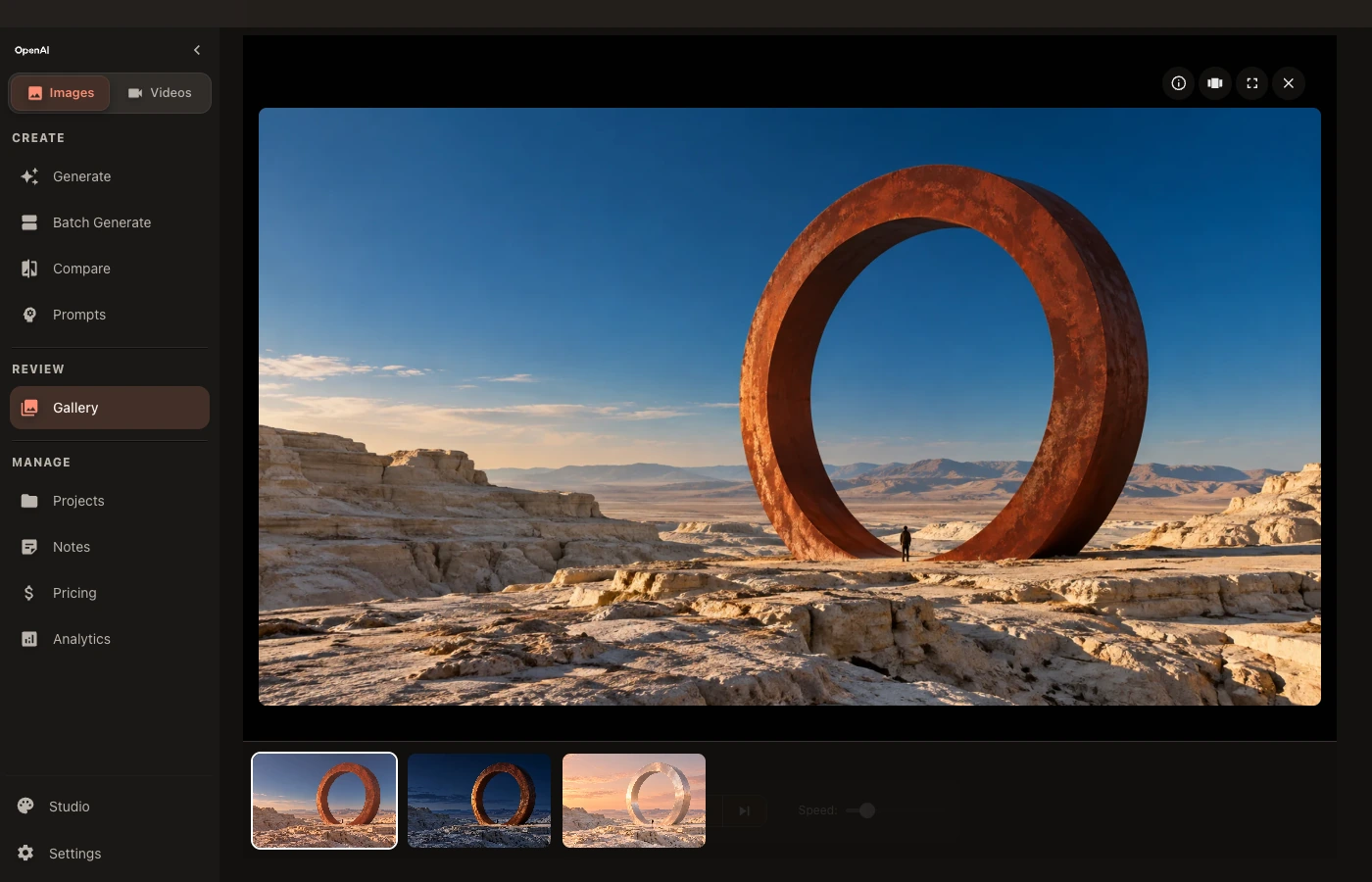
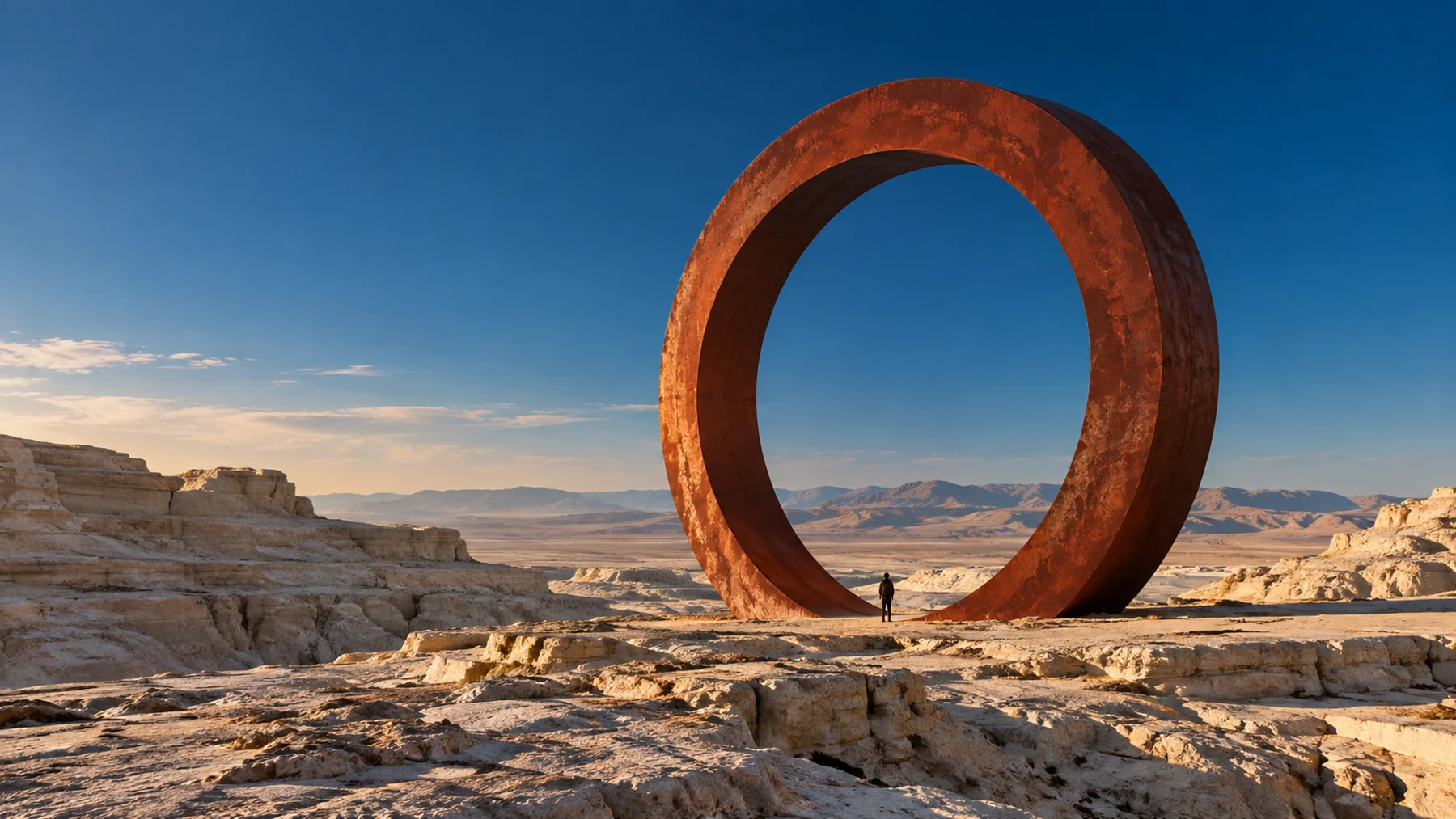
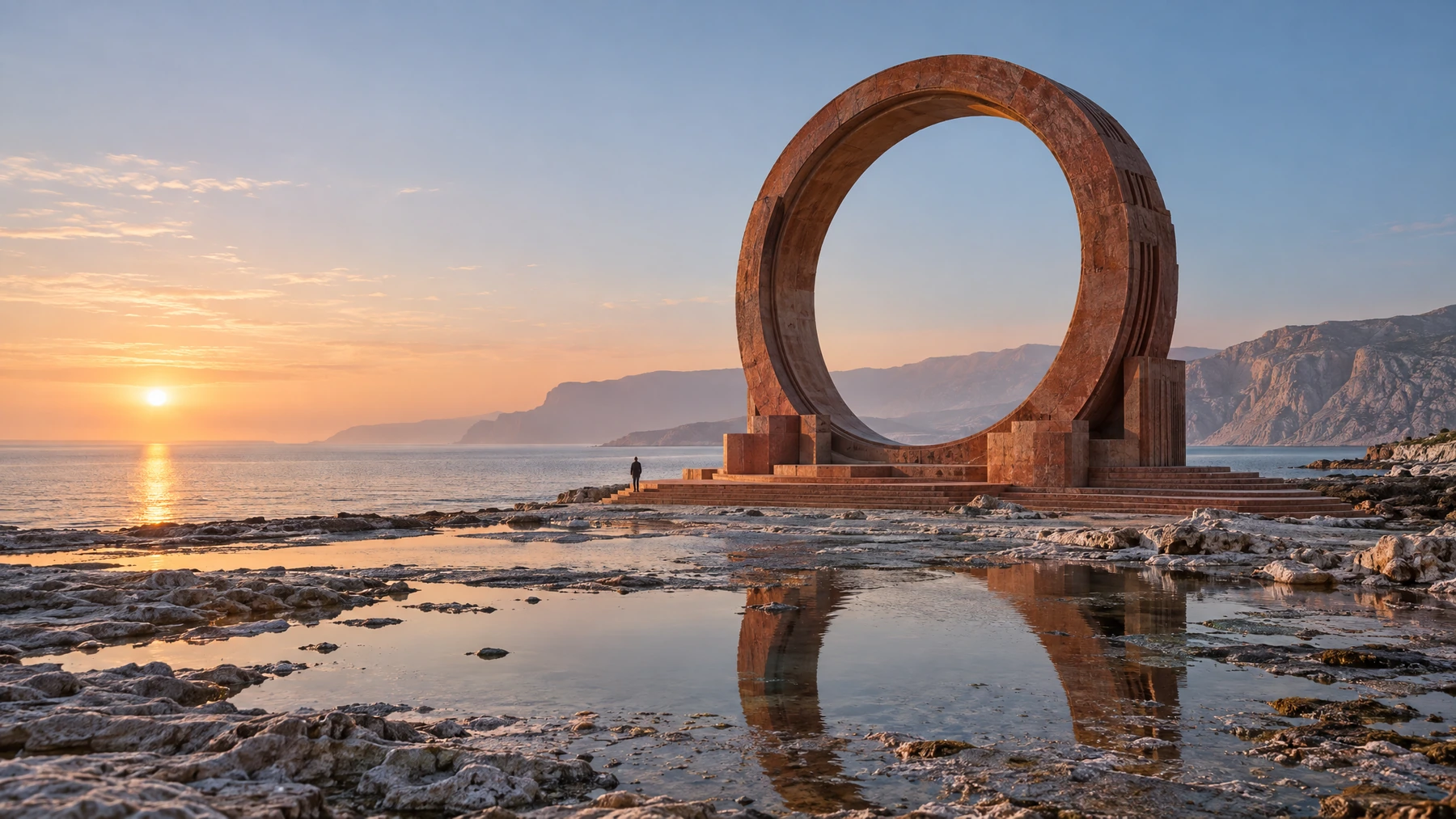
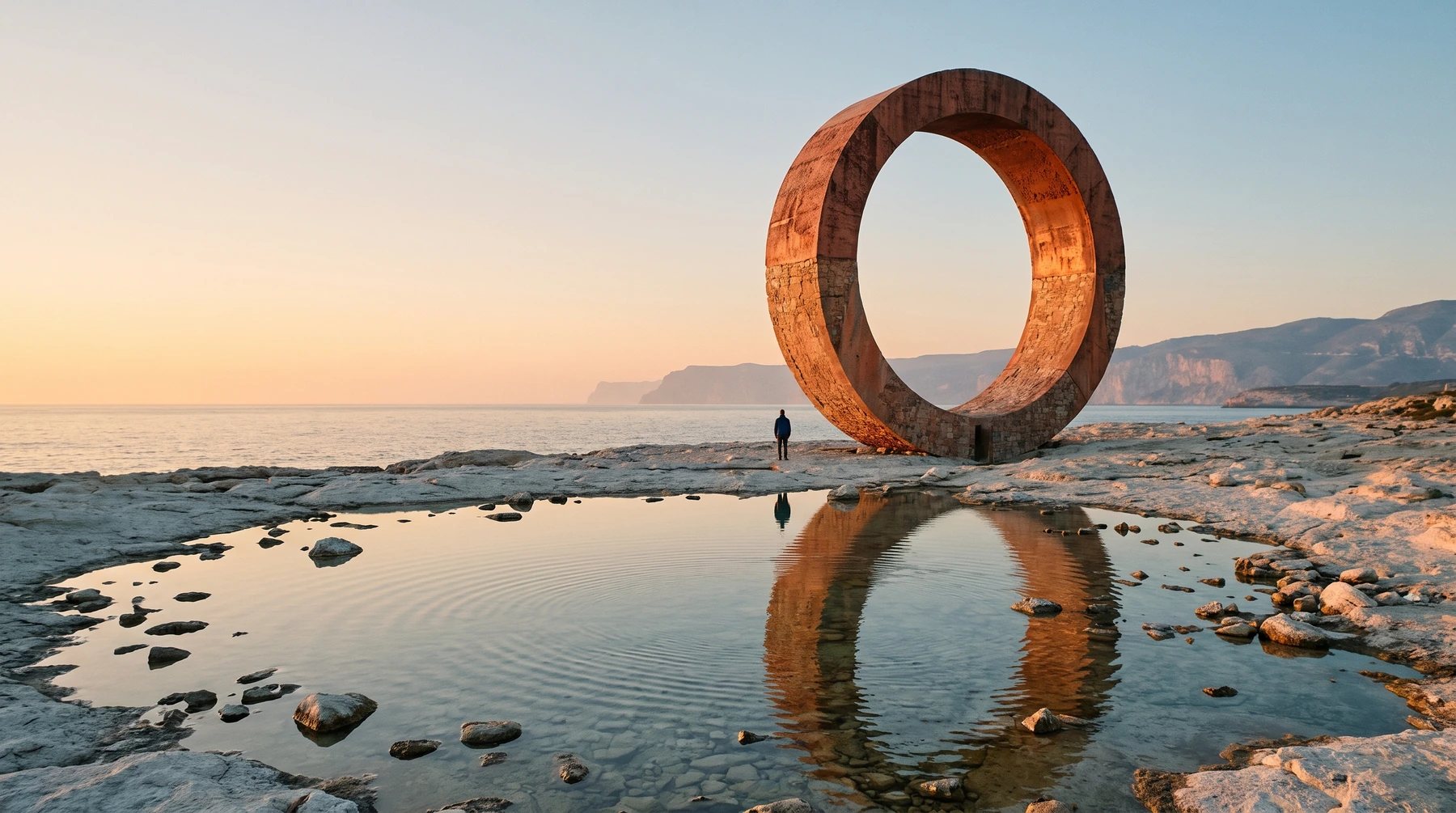
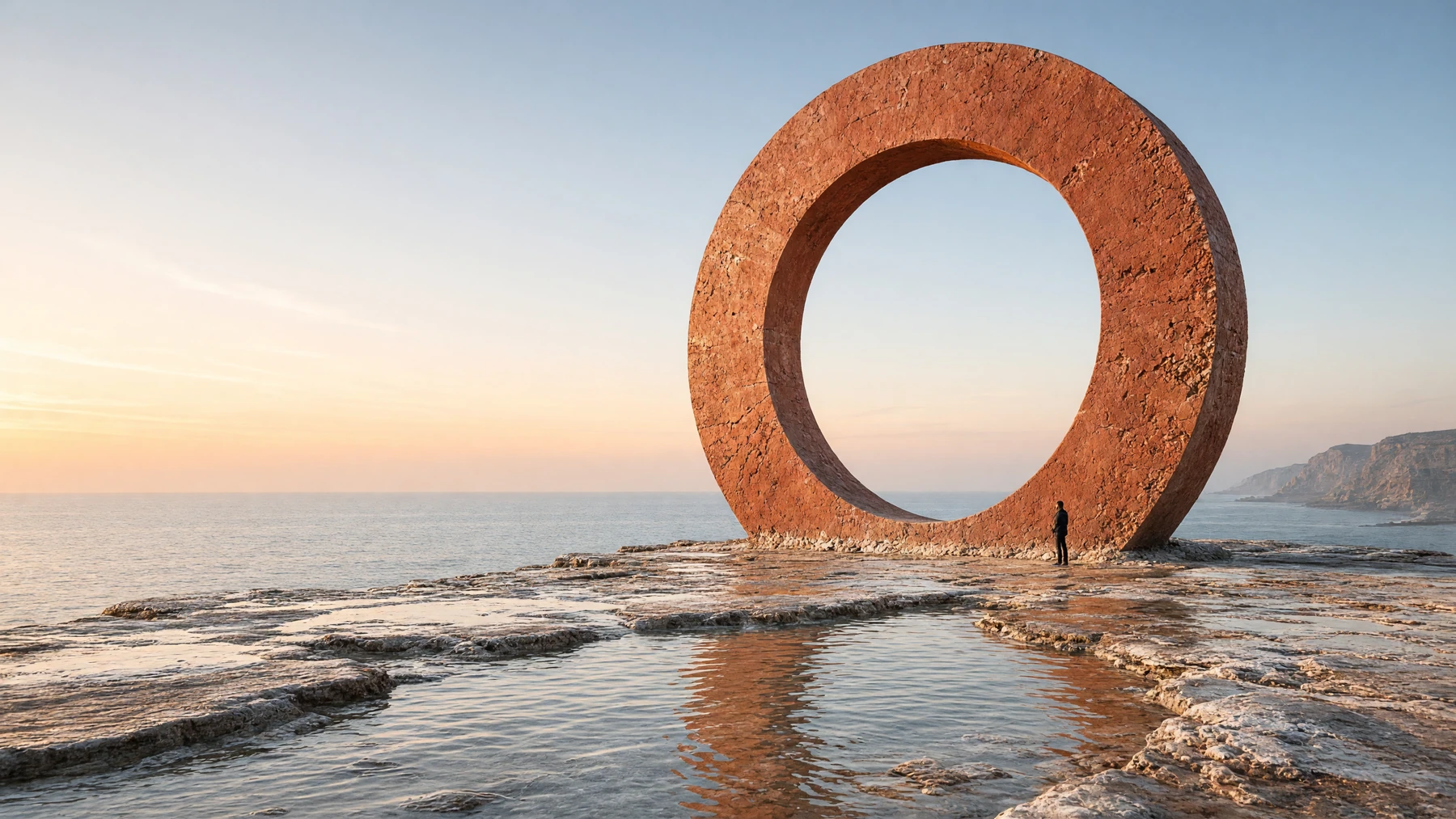
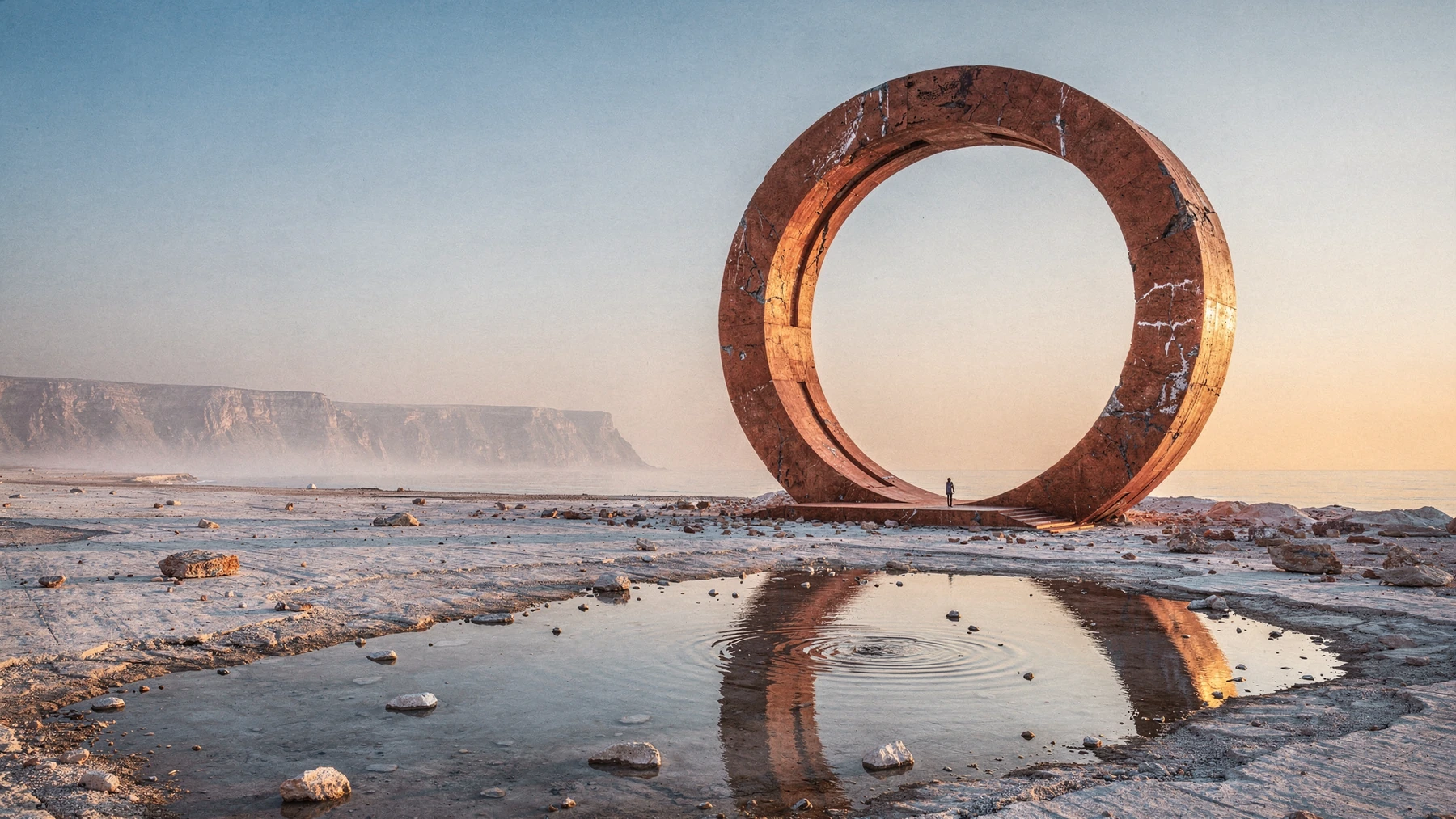
 Image unavailable
 Image unavailable
 Image unavailable
 Image unavailable
 Image unavailable
 Image unavailable
 Image unavailable
 Image unavailable